SOLUTIONS
Start with the job.
Then choose the device.
Each workflow has different requirements. Find the questions worth answering before you rent.
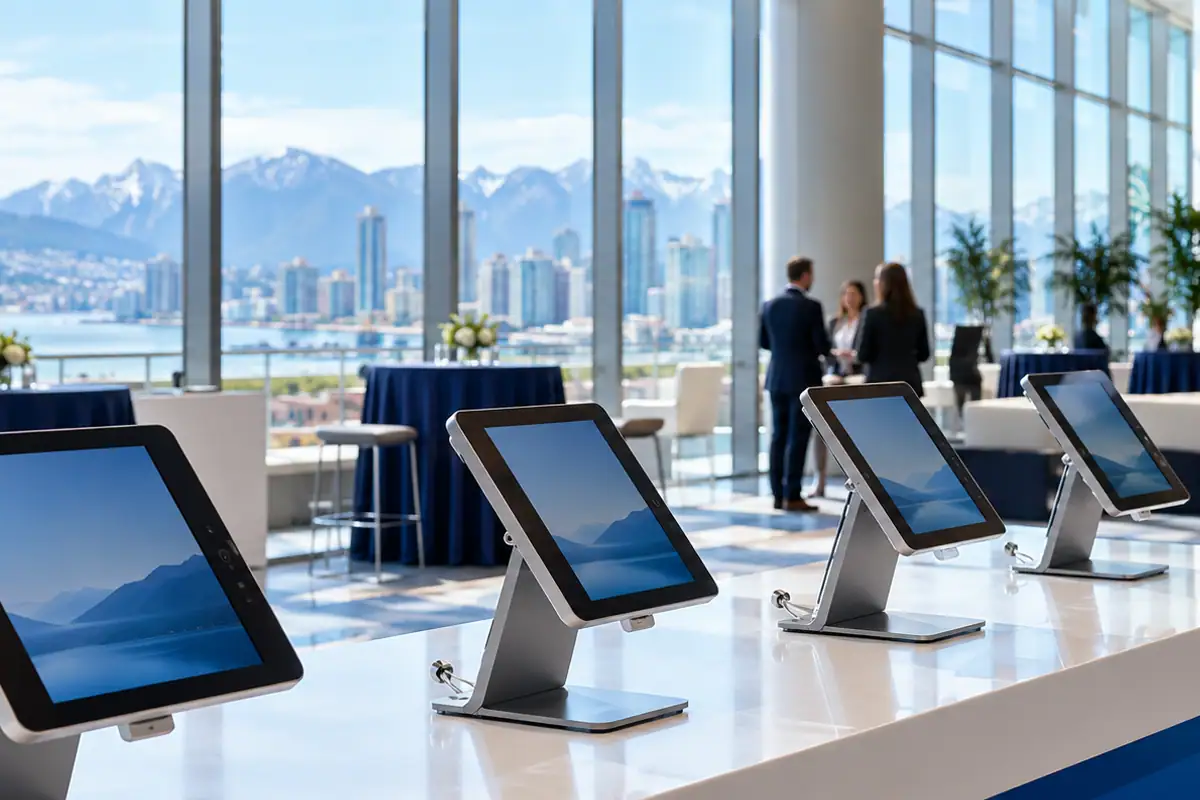
Event iPad rentals
One device plan for the moving parts of your event.
EXPLORE 02Conference iPad rentals
Keep registration, sessions and feedback in the same plan.
EXPLORE 03Trade show iPad rentals
A useful conversation, captured at the booth.
EXPLORE 04Event check-in iPads
Make the arrival plan as clear as the guest list.
EXPLORE 05Registration iPad rentals
Build a registration desk around your actual workflow.
EXPLORE 06Ticket-scanning iPads
Match the scanning setup to the entrance.
EXPLORE 07Survey iPad rentals
Make it easy to answer, then start fresh for the next person.
EXPLORE 08Training iPad rentals
Give every participant a consistent starting point.
EXPLORE 09Business iPad rentals
Temporary devices for a defined business need.
EXPLORE 10Temporary office iPads
Equip a short-term workspace around the tasks that matter.
EXPLORE 11iPad kiosk rentals
Turn a tablet into a focused visitor touchpoint.
EXPLORE 12iPad stand rentals
Put the screen in the right place.
EXPLORE 13iPad rentals with cellular data
Build connectivity into the rental plan.
EXPLORE 14Bulk iPad rentals
Plan the fleet as a system.
EXPLORE 15Field operations iPads
Bring the workflow to where the work happens.
EXPLORE 16Data collection iPad rentals
Capture consistent records across a temporary team.
EXPLORE 17Construction project iPad rentals
Keep drawings, inspections and site forms close to the work.
EXPLORE 18Festival iPad rentals
A device plan for gates, staff and audience touchpoints.
EXPLORE 19Sporting event iPad rentals
Organise registration and information around the competition.
EXPLORE 20Product launch iPad rentals
Put a focused product experience into visitors’ hands.
EXPLORE 21Education iPad rentals
Support a course, workshop or short learning programme.
EXPLORE 22Film production iPad rentals
Temporary screens and tools for a changing production schedule.
EXPLORE